Your world, at your pace.
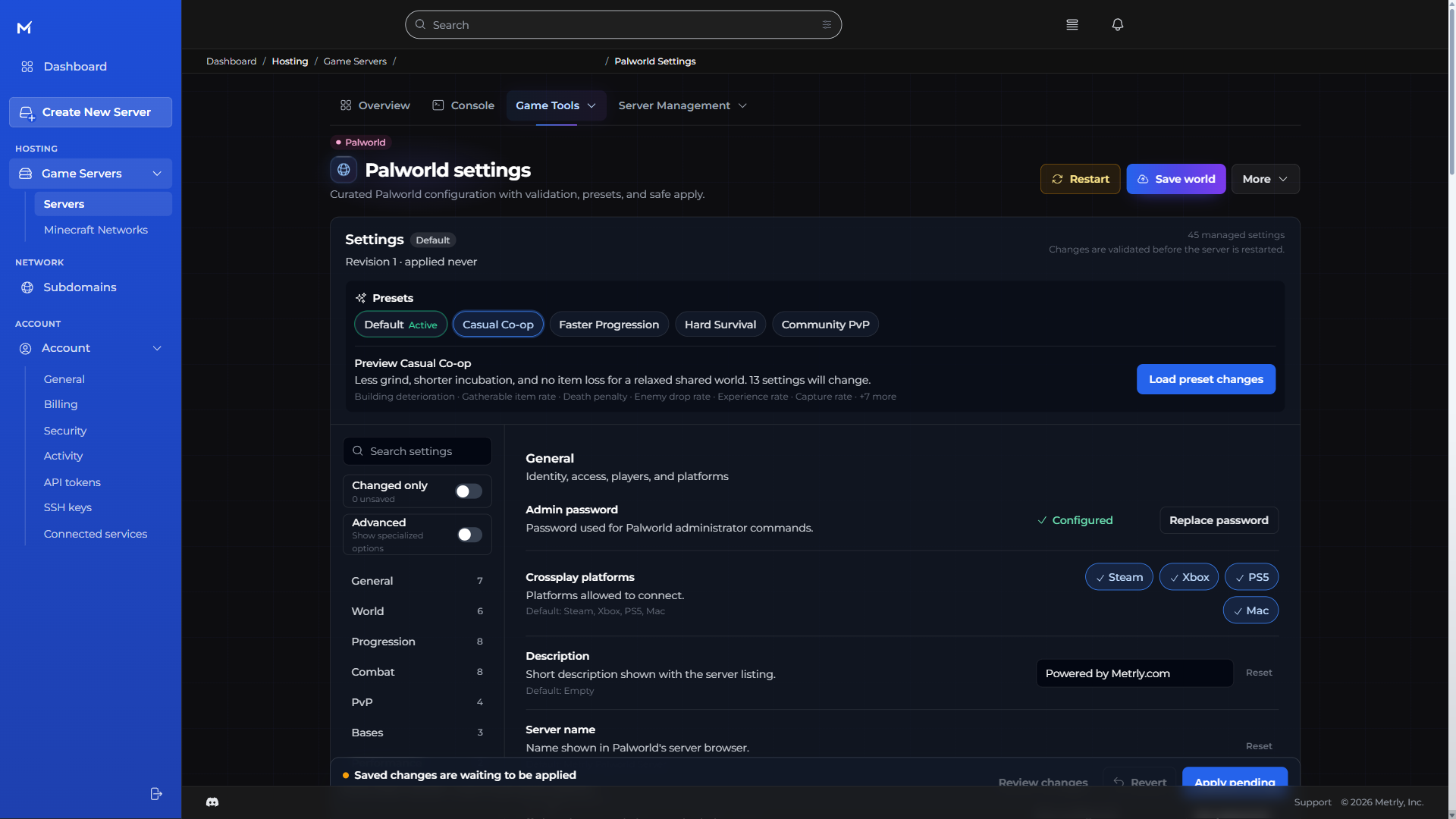
Tweak the day, the difficulty, and the little details. Clear controls put the kind of world you want within reach.
Palworld server hosting
Less grind or a tougher survival challenge? Set your own pace, bring your co-op world, and keep the adventure going with friends.
Loading available packages…
Choose a size. Know the ceiling. Run less, pay less.
Find your fit · Palworld
One full-featured console. Every size.
Checking available sizes and current prices.
One console. Everyday control.
Built for Palworld
Tweak the day, the difficulty, and the little details. Clear controls put the kind of world you want within reach.
Start with a preset for your playstyle, see what changes, and fine-tune from there.
You’ve already built something worth keeping. Bring your co-op world with a guided migration workflow.
Make time for the parts you love. Choose a world preset, preview the changes, and set your own pace.
Adjust day and night speed, death penalties, fast travel, and more through labelled controls.
Follow the guided on-server conversion workflow, with save detection, a locked backup, and ownership verification.
Import a world archive through upload, validation, confirmation, and backup-and-install steps.
The Metrly console · every game
The everyday tools belong together. So you can make a change, bring in a friend, and get back to what you started.
Read server output, send commands, and start, stop, or restart your server in the browser.
Browse and upload files in the console, or connect with your preferred SFTP client.
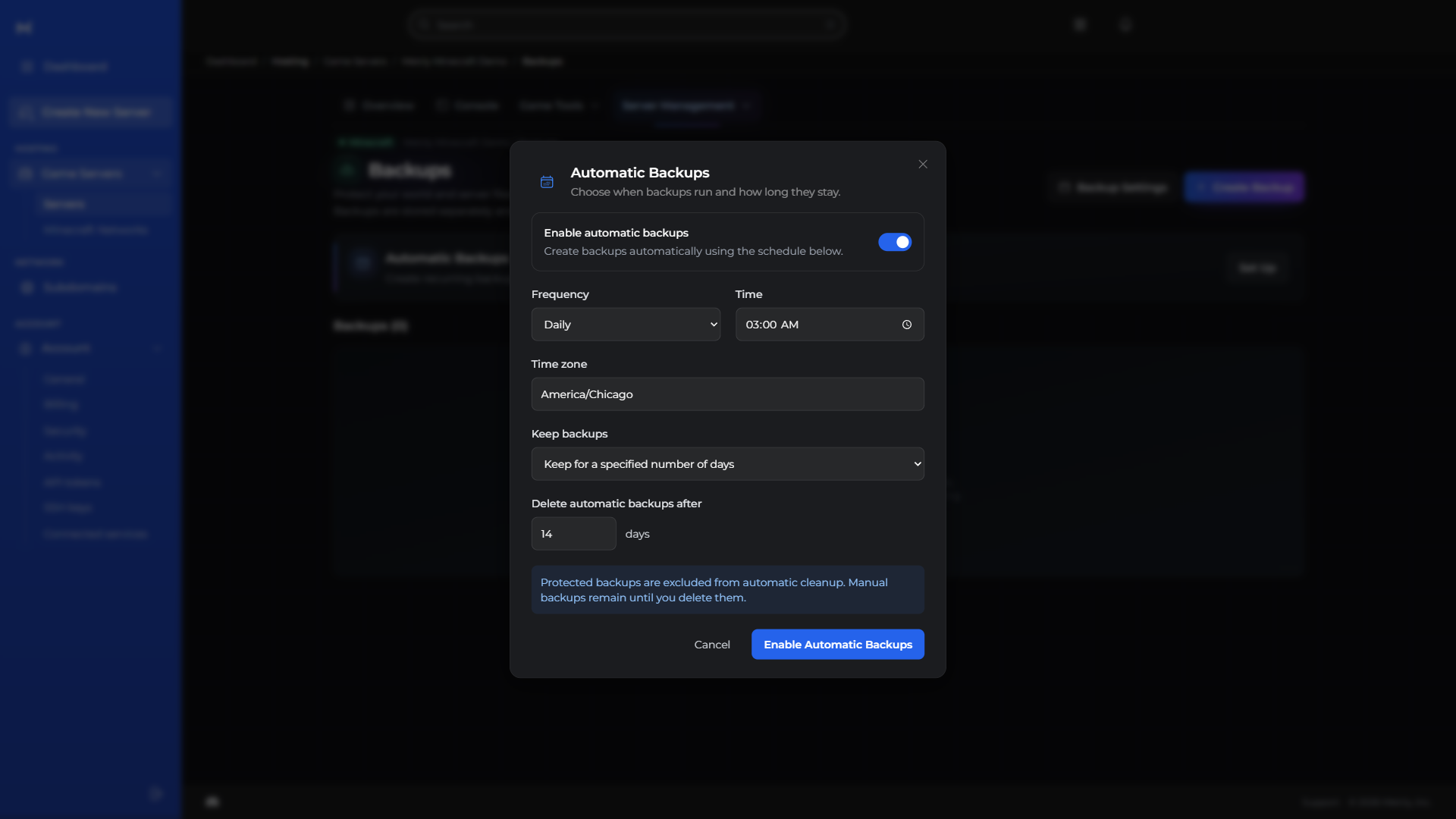
Protect your progress with backups, and put routine restarts and commands on a schedule.
Give teammates selected permissions and review recorded server activity without sharing your account login.
Manage a memorable server subdomain and find your assigned connection addresses and ports together.
Follow performance, resource use, and estimated costs without juggling dashboards.
Manage the databases behind your server and plugins in the same workspace.
Explore available regions and move your server from your console.
CPU, memory, storage, and network history together, with health checks to help investigate lag.
Upload, organize, rename, and copy files. Open SFTP when you prefer a desktop client.
Try something new without losing your way back. Keep a backup ready for your next big change.
Backups, restarts, and routine tasks. Set the rhythm once and leave the busywork to your server.
Choose a role or individual permissions for each teammate before sending an invitation.
Keep an eye on spending without a spreadsheet. See your usage and projected costs together.
Choose a server subdomain from the available domains in your console.
Your community can change. Your server can move with it. Find an available region right in the console.
Palworld tools
Metrly provides validated settings, useful starting presets, and safe workflows for the operations that matter most to a long-running world.
Read the Palworld co-op migration guideBefore you deploy
The managed Palworld settings let you allow Steam, Xbox, PlayStation 5, and Mac players. Keep only the platforms your community uses enabled.
Yes. Metrly can validate and import dedicated or co-op world archives. Co-op worlds also have a guided host-character conversion workflow with a locked backup and automatic rollback if the converted server does not become healthy.
Use validated controls and presets in the Metrly console for server identity, progression, survival, bases, performance, and PvP. Changes are applied through a safe save, stop, write, start, and verification workflow.
Choose a compatible Palworld package with defined resources and a monthly cap. Your running time determines the bill between its inclusive minimum and cap. A larger world may need a larger package, but capacity upgrades are your choice.
Palworld on Metrly