Find your next obsession.
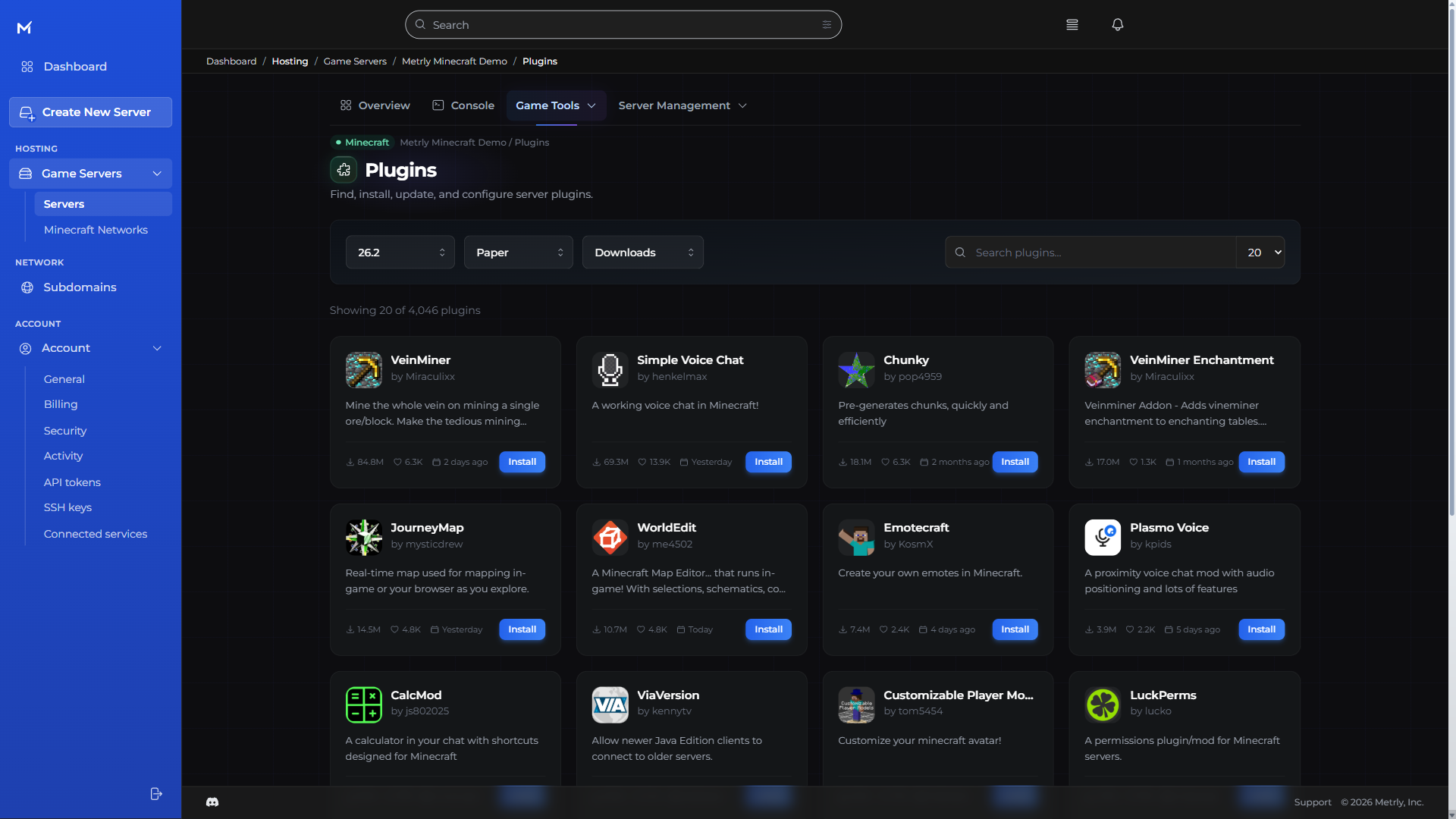
Discover plugins, mods, and whole modpacks from your console. Spend less time hunting for downloads and more time building.
Minecraft server hosting
That modpack you’ve been meaning to try. The world your friends won’t stop building. Bring it to life with game-aware tools that make running Minecraft feel simple.
Loading available packages…
Choose a size. Know the ceiling. Run less, pay less.
Find your fit · Minecraft
One full-featured console. Every size.
Checking available sizes and current prices.
One console. Everyday control.
Built for Minecraft
Discover plugins, mods, and whole modpacks from your console. Spend less time hunting for downloads and more time building.
Java or Bedrock. A classic world or a heavily modded adventure. Choose the software that fits your plans.
Bring players together, then connect worlds with Minecraft Networks when one server isn’t enough.
Browse plugins with your server software and game version in view, then install from the same workspace.
Browse mods for your chosen loader and Minecraft version, including dependencies and performance tools.
Search Modrinth modpacks and choose a compatible release from the console.
Review Bedrock, Paper, Fabric, Forge, and other supported server software from the game-version workspace.
Choose a compatible release, then review the confirmation step before changing your server.
Use the visual editor for Minecraft configuration or switch to the underlying file when you need it.
Read live Minecraft output, load earlier logs, or open the console in its own window.
The Metrly console · every game
The everyday tools belong together. So you can make a change, bring in a friend, and get back to what you started.
Read server output, send commands, and start, stop, or restart your server in the browser.
Browse and upload files in the console, or connect with your preferred SFTP client.
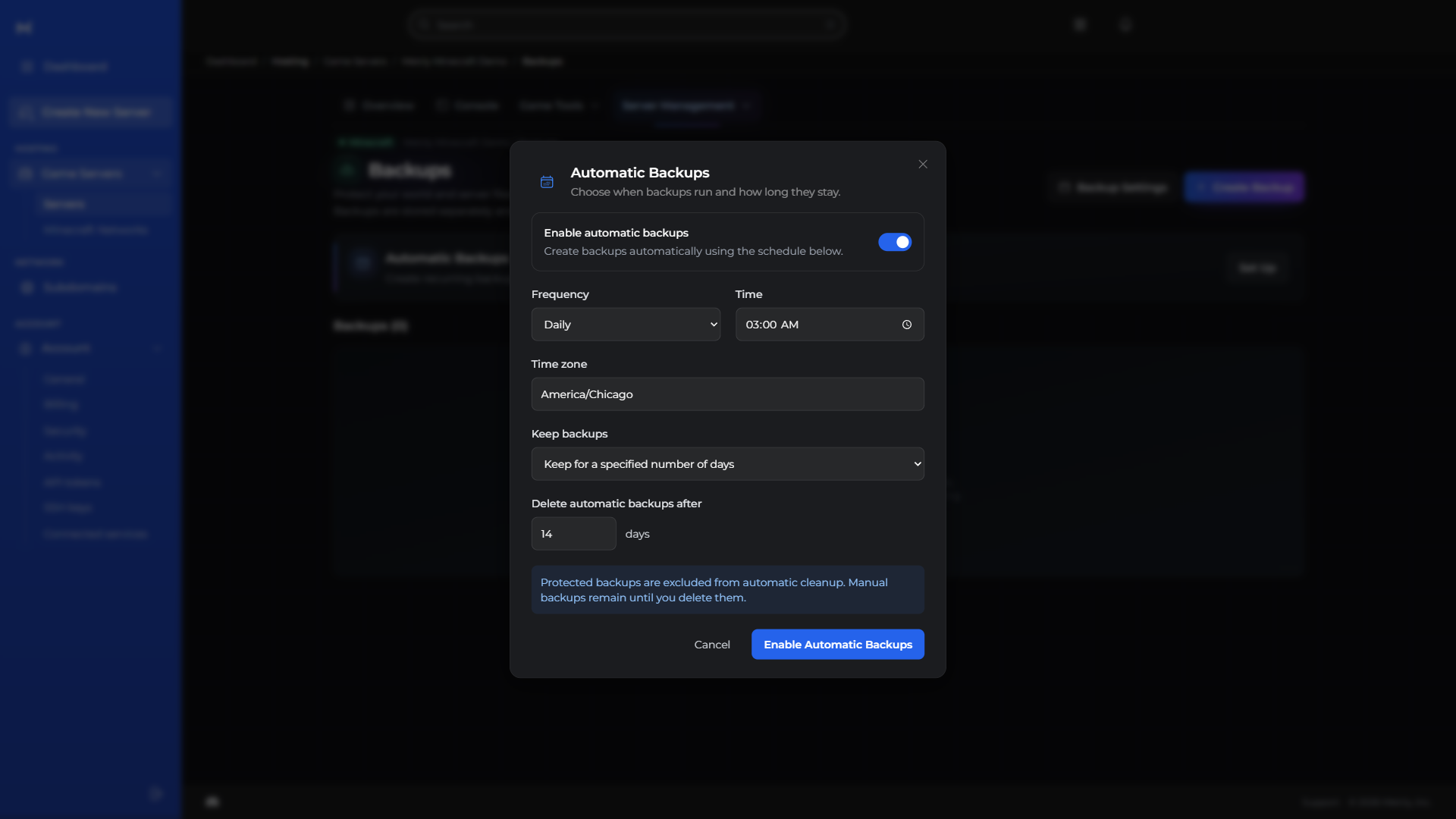
Protect your progress with backups, and put routine restarts and commands on a schedule.
Give teammates selected permissions and review recorded server activity without sharing your account login.
Manage a memorable server subdomain and find your assigned connection addresses and ports together.
Follow performance, resource use, and estimated costs without juggling dashboards.
Manage the databases behind your server and plugins in the same workspace.
Explore available regions and move your server from your console.
CPU, memory, storage, and network history together, with health checks to help investigate lag.
Upload, organize, rename, and copy files. Open SFTP when you prefer a desktop client.
Try something new without losing your way back. Keep a backup ready for your next big change.
Backups, restarts, and routine tasks. Set the rhythm once and leave the busywork to your server.
Choose a role or individual permissions for each teammate before sending an invitation.
Keep an eye on spending without a spreadsheet. See your usage and projected costs together.
Choose a server subdomain from the available domains in your console.
Your community can change. Your server can move with it. Find an available region right in the console.
Minecraft software
Vanilla worlds, plugins, modpacks, or connected servers. Choose your software during setup.
The classic Minecraft server experience for private worlds, survival starts, and simple communities.
Choose VanillaA popular choice for survival servers and plugin communities that need strong performance and broad compatibility.
Choose PaperA configurable Paper-based server for communities that want more gameplay controls.
Choose PurpurA lightweight mod loader for modern modded Minecraft servers and custom gameplay.
Choose FabricA familiar starting point for Forge modpacks, larger mods, and long-running modded worlds.
Choose ForgeA Minecraft proxy for connecting lobbies, game modes, and multiple servers into one network.
Choose VelocityThe standard Minecraft server experience without a third-party mod loader or plugin platform.
Choose Vanilla MinecraftSpongeAPI implementation for Vanilla Minecraft.
Choose Sponge (SpongeVanilla)An implementation of the Sponge API on top of Vanilla Minecraft.
Choose SpongeVanillaA high-performance Spigot fork focused on gameplay, mechanics, and server performance.
Choose PaperWidely used Minecraft server software with plugin support and server administration settings.
Choose SpigotA configurable drop-in replacement for Paper with additional gameplay features.
Choose PurpurA Paper fork that adds regionized multithreading to the dedicated server.
Choose FoliaA performance-focused server with multithreaded ticking and optimized world processing.
Choose CanvasMCA modular modding toolchain targeting modern Minecraft versions and snapshots.
Choose FabricAn open-source, community-driven modular modding toolchain.
Choose QuiltMinecraft Forge server software for running Forge mods.
Choose Forge MinecraftAn enhanced Minecraft Forge server template for Forge-compatible mods.
Choose Forge EnhancedA Minecraft modding API and Forge fork for NeoForge-compatible mods.
Choose NeoForgeA Bukkit server implementation that runs on common mod loaders.
Choose ArclightA hybrid Forge server designed to run Forge mods and Bukkit plugins.
Choose MagmaA Spigot fork with performance optimizations and hybrid server capabilities.
Choose MohistMCA proxy for connecting multiple Minecraft servers and game modes into one network.
Choose BungeecordA scalable Minecraft server proxy with broad server support and flexibility.
Choose VelocityA fork of the BungeeCord server proxy suite.
Choose WaterfallA lightweight Java limbo server designed to hold many players while a main server is unavailable.
Choose NanoLimboBefore you deploy
Metrly supports 20 Minecraft server templates, including Vanilla, Paper, Spigot, Purpur, Fabric, Forge, NeoForge, Velocity, BungeeCord, and other plugin, modded, hybrid, and proxy options.
Not exactly. Metrly supports the server software that Minecraft mods, plugins, and network tools run on. You can choose the software that fits your gameplay, such as Paper for plugins or Fabric and Forge for modded servers.
Choose Vanilla for a classic Minecraft experience, Paper or Purpur for plugin-powered servers, Fabric or Forge for modded gameplay, and Velocity or BungeeCord for server networks.
Choose your Minecraft software and a compatible server package. Each package has a monthly cap, an inclusive minimum, and included resources. Running less can lower your bill; the minimum keeps your world and backups ready between sessions.
Choose a server size with a clear monthly cap and included resources. You can change size when your world needs more capacity; Metrly does not automatically move you to a more expensive package.
Create or sign in to your Metrly account, choose your Minecraft server software, complete the available options for that template, and deploy it through the Metrly console.
Minecraft on Metrly